
|
|
NNEC DAS |
|---|
| AMR Status | |
|---|---|
| This is our simple dashboard that shows up how the AMR system is operating. | 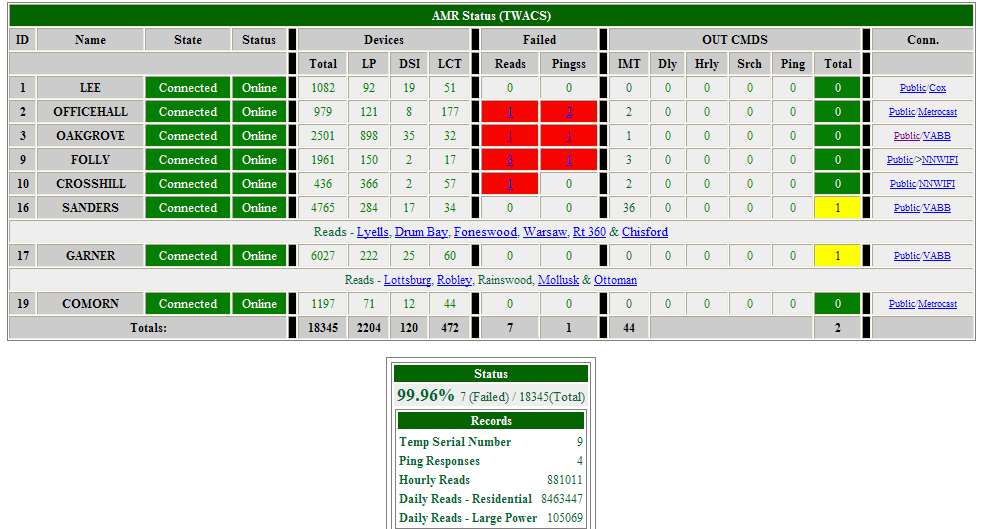 |
 | |
| Device Ping | |
| This is how we ping a device from our Intranet (Web Browser). | 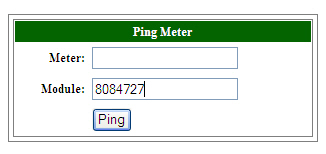 |
| |
| The ping being submitted. |  |
| |
| The ping Results. | 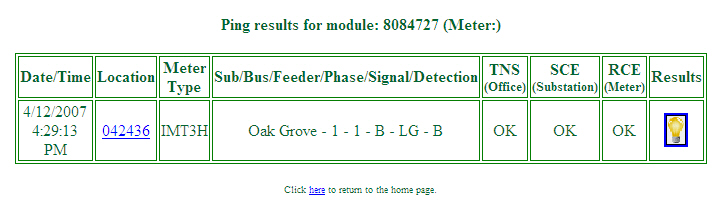 |
| |
| If the ping is successful, the light bulb icon will be yellow, indicating power to the meter. If this device is a meter, an on request read can be submitted by clicking on the light bulb icon. |  |
| |
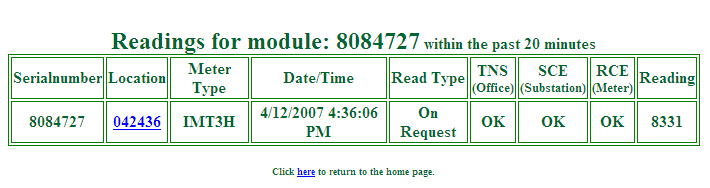
| Within about 20 seconds, the reading is returned.
If the read fails, an email is sent to the Operations center, and the CIS Operator. |
 |
| |
| Read a meter | |
| This is how we read a meter from our Intranet (Web Browser). | 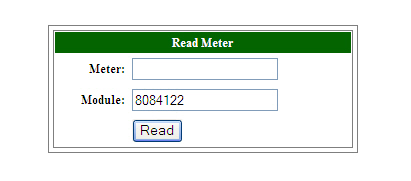 |
| |
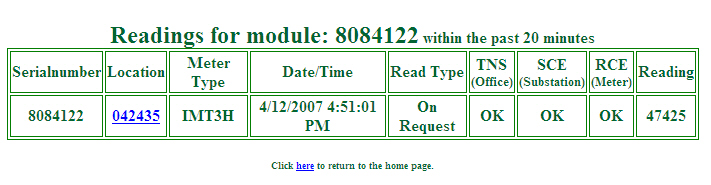
| The reading results.
If the read fails, an email is sent to the Operations center, and the CIS Operator. |
 |
| |
| TWACS Tables | |
| This is a list of all the tables in the Oracle 9i database. | 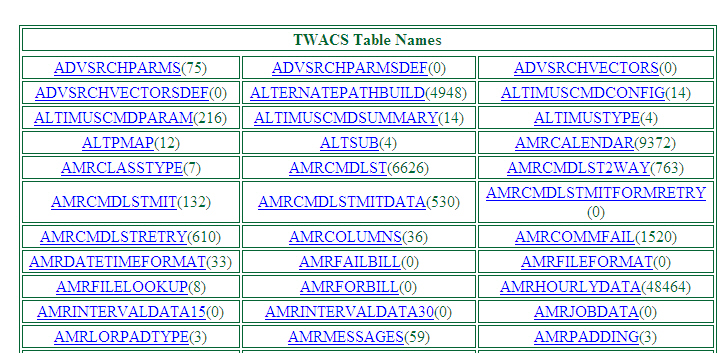 |
| |
| Downline Ping | |
| This is a utility that will ping all meters downline of a pole number. | 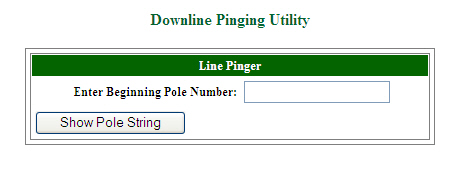 |
| |
| Ping Feeder | |
| This is a utility that will ping all meters on a feeder. First you select the substation | 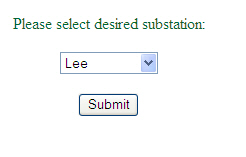 |
| Then you select the feeder. | 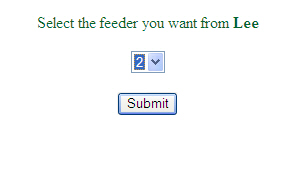 |
| |
| DSI Status | |
| This is a utility that checks the status of all the DSI's. You can also ping all the DSI's to determine their connectivity. | 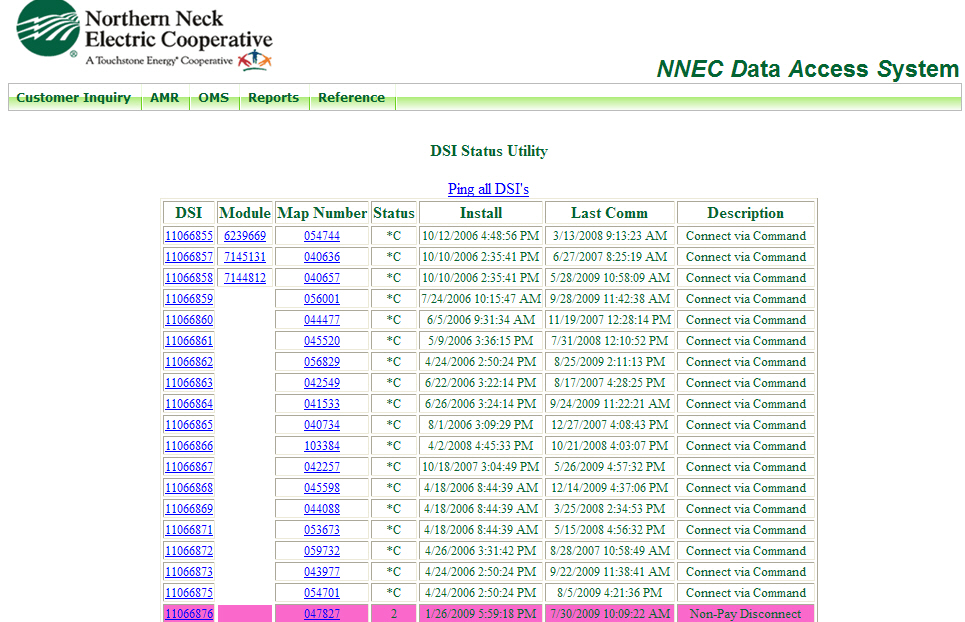 |
| DSI Status | |
| This is a utility that checks the status of all the DSI's. You can also ping all the DSI's to determine their connectivity. |  |
| This is a sample of our Daffron mapset. This map shows all Service orders for Disconnects, Collections, Meter Changes and also any Service Order that is to be worked today. | 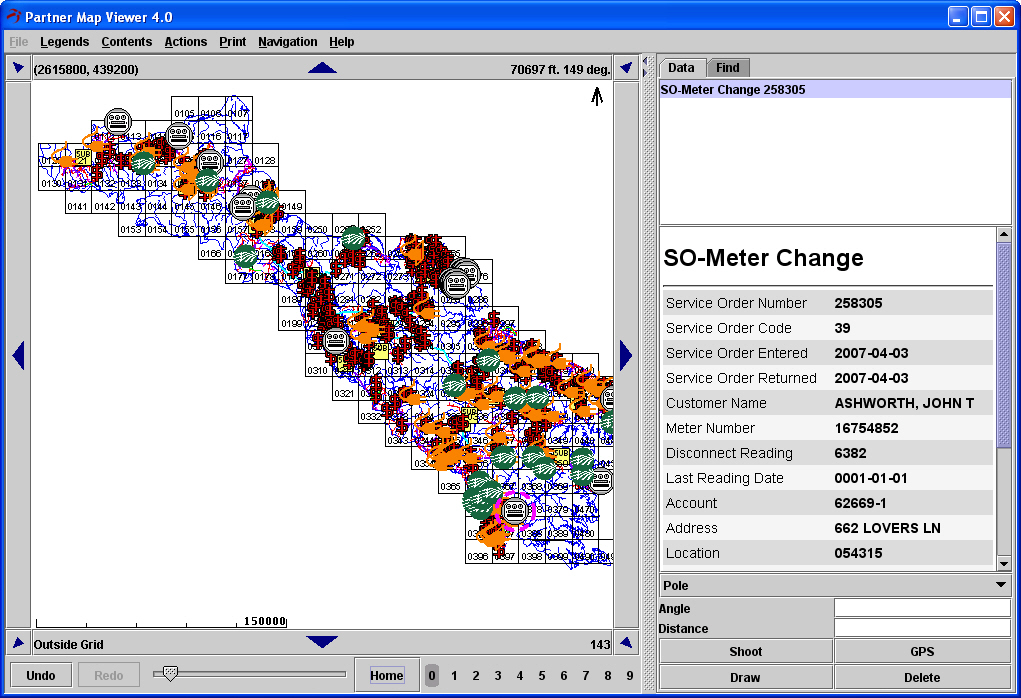 |
| |
| This is a sample of a Daffron Service Order, for a disconnect. The icon, a plugged in cord, indicates that this disconnect has not been completed yet. | 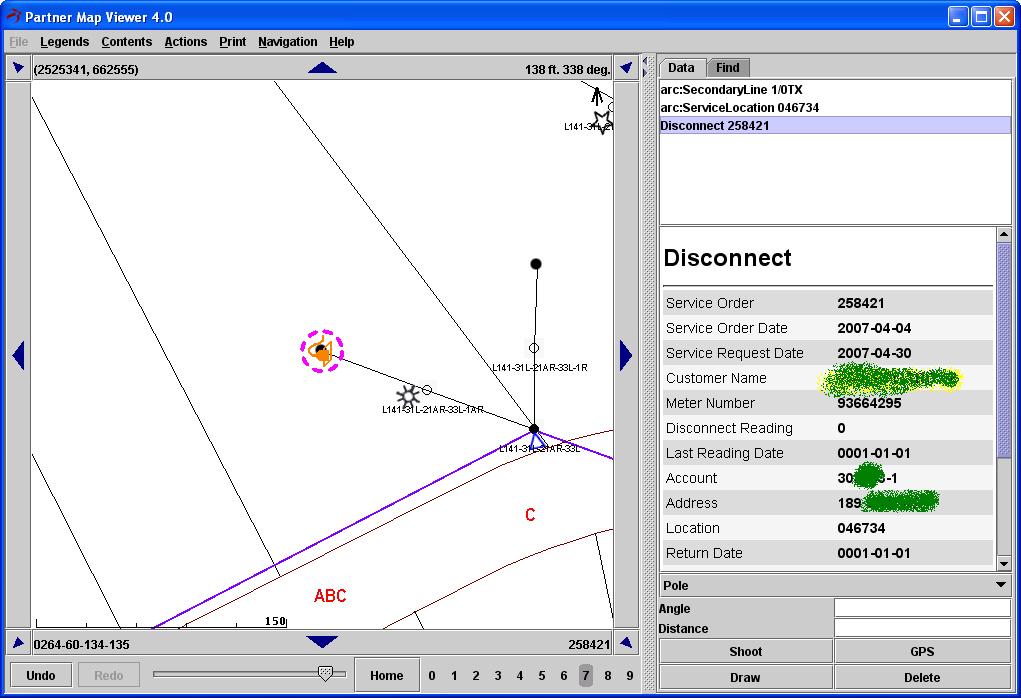 |
| |
| This is a sample of a Daffron Service Order, for special collections as shown in the Partner MapViewer. | 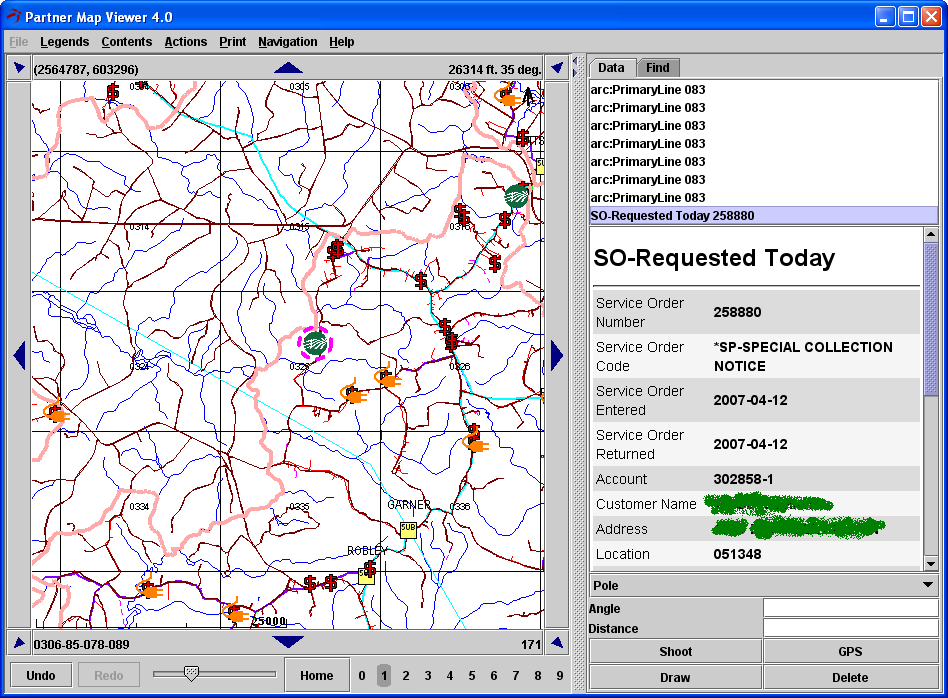 |
| |
| This is a sample of a Daffron Service Order, for a meter change. |  |
| |